
/wbValid — Command Hub
/wbValid is the gate between "done" and "actually done." It reads a plan's Verify column and checks each acceptance criterion against the completed work across seven categories — structure, config, deps, templates, permissions, and cross-refs. Without it, tasks get marked done on trust, and trust doesn't ship.
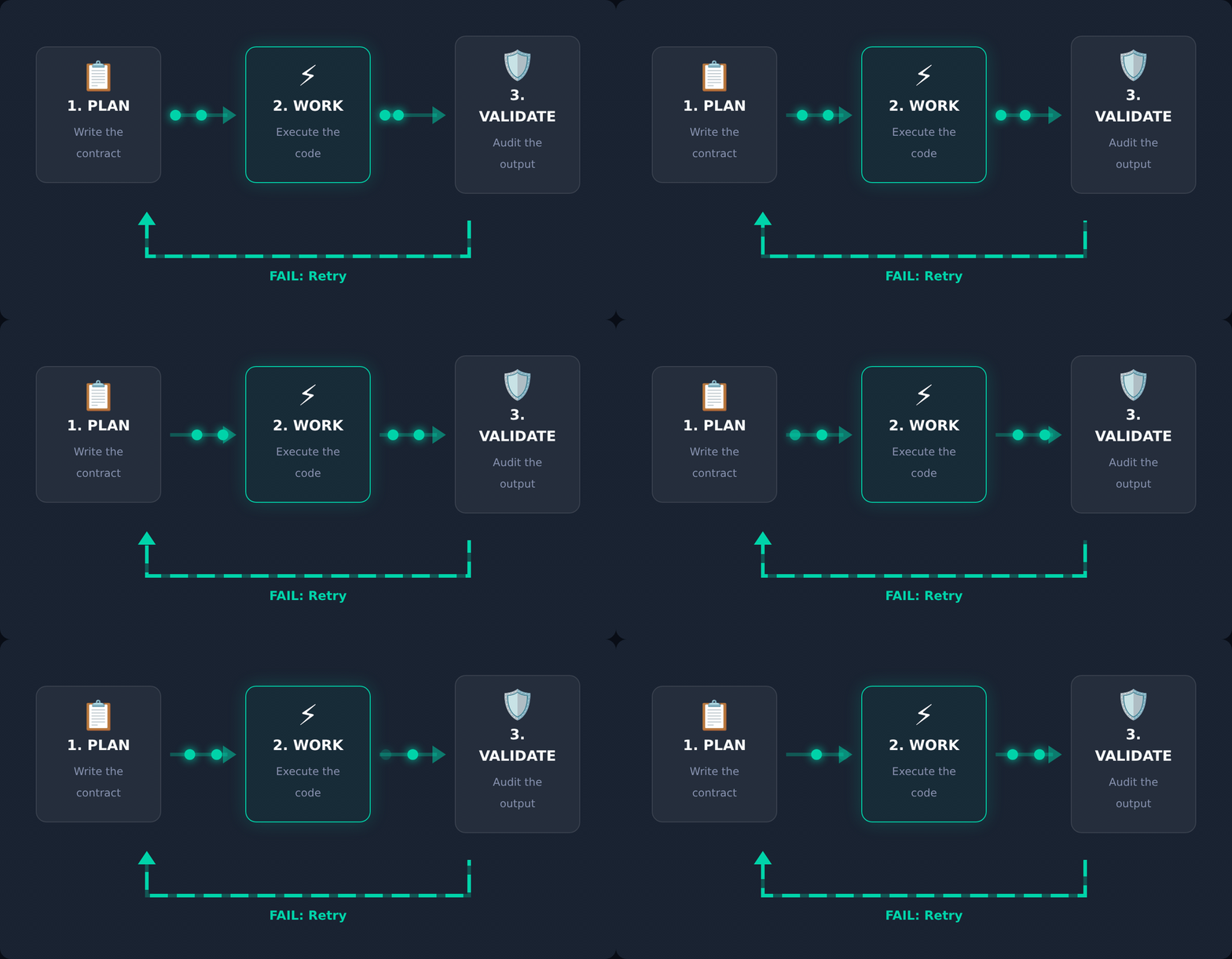
Why validation is its own verb: a model re-reading a diff it just wrote will call it correct. The third agent exists to break that.
🎯 Strategic Position
/wbValid sits between task execution and plan closure. It does not do the work — it checks whether the work meets the criteria defined when the task was planned. Its seven-category check provides structured pass/fail/needs-remediation status per criterion, feeding directly into whether a task is ready to close or needs /wbWork.
- After completing a task — validate against acceptance criteria.
- Before marking a plan complete — confirm every Verify condition.
- As part of a wave —
--no-plan-updatefor agent-spawned validation.
🛠️ Operating Modes
| Mode | Trigger | Output |
|---|---|---|
| Standard | /wbValid --id <task> | Each Verify condition checked, plan cell updated |
| Report-only | /wbValid --id <task> --no-plan-update | Validation report without touching the plan file |
| State override | /wbValid --id <task> --open / --def / --can | Set Valid state to Open / Deferred / Cancelled, no validation run |
✅ What a useful validation contains
A useful validation report includes at minimum:
- Each acceptance criterion from the plan's Verify column checked against the work.
- Results across 7 categories — structure, config, deps, templates, permissions, cross-refs.
- Clear status per criterion — pass, fail, or needs-remediation.
🚫 What it cannot do
| Not this | Use instead |
|---|---|
| Execute tasks | It only validates completed ones |
| Audit overall quality | /wbAudit |
| Fix issues found | /wbWork |
📚 Reading Order
- ELI5 — the one-paragraph mental model.
- Practical — step-by-step walkthrough on a real project.
- Expert — architecture, edge cases, and when NOT to use.
- Examples — annotated transcripts (Part 1, Part 2).
- Exhaustive simulation · Live demo.
🔗 Related
wbValid.md— the command reference this hub orients you around./wbWork— remediate issues found during validation./wbAudit— scored readiness assessment of the overall package.
Quick Reference
/wbValid --id T-03                  # validate task and update the plan
/wbValid --id T-03 --no-plan-update # validate without touching the plan
/wbValid --id T-03 --open           # set Valid to Open (no validation run)
/wbValid --id T-03 --def            # set Valid to Deferred
/wbValid --id T-03 --can            # set Valid to Cancelled
← Home · Commands · Install | wb-flow on npm · flow.wbc-ui.com · wi-bg.com